Restaurant POS Uptime and Redundancy Planning
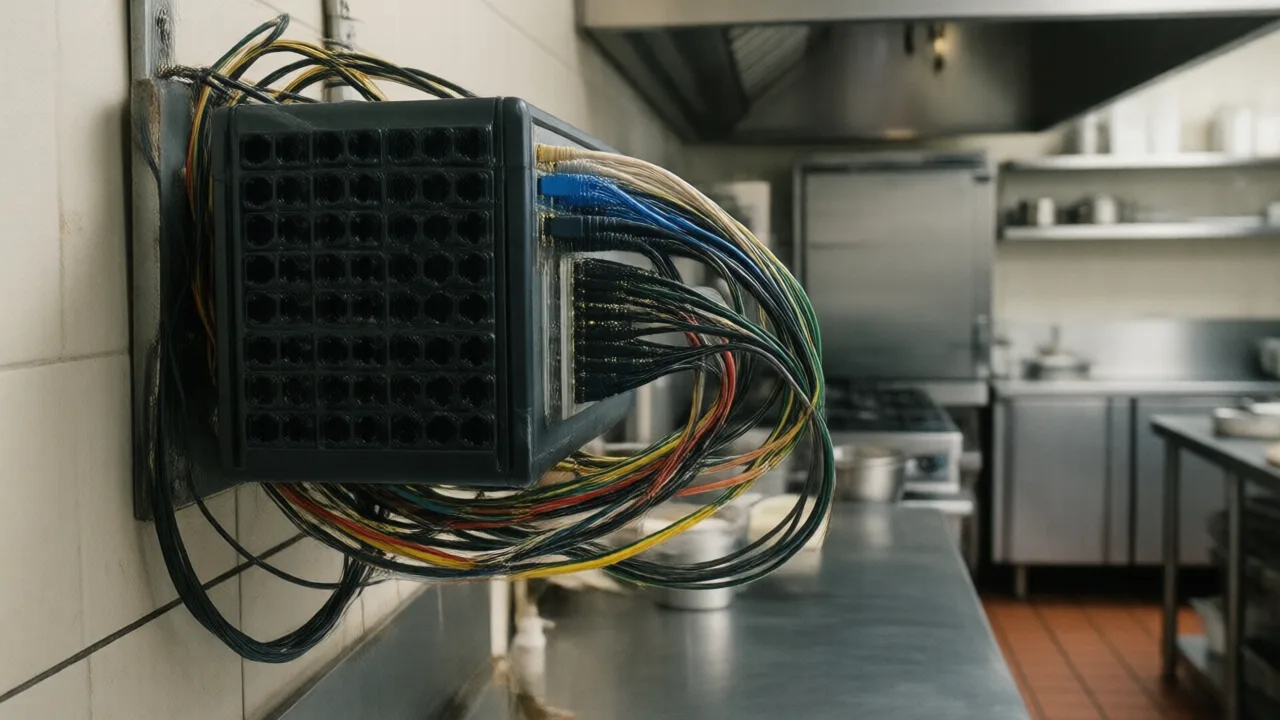
Walk into the back office of almost any independent restaurant and look at the shelf above the desk. There's a router, probably the one the ISP dropped off. A small unmanaged switch, often the cheapest one available at the time. A tangle of cables, none labeled. Maybe a surge strip.
Everything the restaurant earns money with passes through that shelf.
Now do the arithmetic nobody does. A restaurant running $1.2M a year concentrates a disproportionate share of revenue into peak hours — a Friday 6 to 9 p.m. window commonly produces $800 to $2,000 per hour. When the shelf fails during that window, the loss isn't just the sales. It's prepped food that never sells, comped tables, staff standing around on the clock, and a walk-away rate that turns first-time guests into people who tell friends the place was a mess.
Operators who've measured it consistently land on the same multiplier: the true cost of a peak outage runs about 1.5 to 2 times the lost revenue. A ninety-minute Friday failure at a busy independent is a $2,000 to $4,500 event.
And the frequency is higher than anyone expects. Between ISP failures, power blips that reboot network gear, aging switches, failed card readers and printers that die mid-shift, most restaurants experience three to six service-affecting technology incidents a year. Call it four at $1,500 each and you're looking at $6,000 annually in preventable losses — against a redundancy stack that costs under $1,200 a year to run.
Here's how to build it.
Step One: Map Your Single Points of Failure
A single point of failure is any component whose failure stops service with no workaround. Most restaurants have four to six and have never written them down. Do it now — this takes fifteen minutes with a pen.
| Component | What breaks if it fails | Backup path |
|---|---|---|
| Internet circuit | Card auth, cloud sync, online orders | Cellular failover |
| Router / firewall | Everything external | Failover router, spare unit on shelf |
| Network switch | All wired devices, printers, KDS | Spare switch ($40), labeled cables |
| Card reader | All card payments at that station | Spare reader, or a second station |
| Primary terminal | Cash drawer, tender, close-out | Second terminal with drawer access |
| Kitchen printer / KDS | Orders reaching the line | Backup printer or expo print rule |
| Power | Everything | UPS on network gear + one terminal |
Read that right column carefully. Not one of those backups is expensive. The most costly item on the list is a second terminal you probably already have, and a spare unmanaged switch is $40 sitting in a drawer. Redundancy in a restaurant is not a capital project — it's a series of small decisions nobody has gotten around to making.
Step Two: Fix the Network Before Anything Else
The network is where the majority of restaurant technology failures actually originate, and it's the layer operators think about least.
Wire everything that doesn't move
Fixed terminals, kitchen displays, printers, and kiosks should be on Ethernet. Not because Wi-Fi is bad, but because a wired device cannot be taken down by a dining room full of phones, a microwave, or a neighboring business's access point. Reserve wireless for handhelds and tablets that genuinely need to move.
This one change eliminates the most common failure mode in modern restaurants: the register that "randomly" drops during the busiest hour because thirty guests just joined the Wi-Fi. If you're planning a kiosk deployment, the same rule applies — see our self-service kiosk guide for placement and connectivity considerations.
Separate guest Wi-Fi completely
Guest Wi-Fi belongs on its own network segment with its own bandwidth cap. Sharing a network between guests and payment devices is a performance problem and a security problem simultaneously — the practices in our POS security and PCI compliance guide treat this as table stakes for a reason.
Add cellular failover
A router with a 4G or 5G backup connection switches over automatically in 10 to 60 seconds when the primary circuit dies. Hardware runs $200 to $450 one time; the standby data plan is $20 to $50 a month.
Compare that against the numbers above. One prevented Friday outage pays for two to four years of the subscription. It is, without much competition, the highest-return technology purchase available to an independent restaurant — and the one most commonly deferred.
Put network gear on a UPS
Brownouts and momentary power dips are far more common than full outages, and they reboot cheap network equipment. A $140 UPS holding the router, switch and one terminal for 20 to 30 minutes converts most power events into a non-event. The kitchen may lose the fryer, but you can still close out the tables already seated.
Label the cables
Free, takes twenty minutes, and it's the difference between a five-minute fix and a forty-minute one when a manager is troubleshooting alone at 7 p.m. Label both ends.
For a deeper technical walkthrough of restaurant network design — subnets, switch selection, PoE and cable runs — this guide to POS networking with Wi-Fi and Ethernet covers the build in detail.
Step Three: Redundancy at the Device Layer
Network handled, the remaining exposure is hardware that fails on its own schedule.
- Keep one spare card reader. Readers fail more than any other POS component, and a $180 spare in a drawer converts a lost evening into a two-minute swap. Confirm with your processor that a spare can be activated without a service call.
- Ensure two stations can access the cash drawer and close-out. Many restaurants configure a single "master" terminal by habit. If that one box dies, nobody can tender cash or run the daily close.
- Have a fallback for kitchen routing. Whether that's a backup printer, a rule that re-routes to the expo printer, or a paper ticket process, define it in advance. Improvising order flow during a rush is how orders get lost.
- Charge handhelds on a rotation. A dead battery mid-shift is a self-inflicted outage. Two chargers and a swap rule solve it.
- Know your replacement cycle. Terminals last 5 to 7 years, handhelds 2 to 4. Equipment that has aged past its window fails at peak load, not at 3 p.m. on a Tuesday — our POS hardware durability comparison covers realistic lifespans by device class, and the tablet versus traditional terminal comparison is relevant if you're deciding what to replace it with.
If you're evaluating new hardware with resilience in mind, KwickPOS publishes specifications for its restaurant POS terminal hardware, which is a reasonable reference point for the durability and connectivity features worth insisting on.
Example scenario: three incidents in one year at a 120-seat casual restaurant
Illustrative scenario — a composite example built to show how the numbers work. It does not describe a real business or customer.
Consider a 120-seat casual restaurant doing about $1.9M, with Friday and Saturday dinner producing roughly 38 percent of weekly revenue. Suppose it logs three service-affecting technology incidents in a single year.
February: a failed network switch takes down all four terminals and both kitchen printers for 70 minutes on a Saturday. Estimated loss including comps and waste, $2,900. March: a card reader dies at the main station during Friday dinner; without a spare, all card payments funnel to one remaining reader, adding an average of six minutes to every table's close. Estimated loss, $1,100 in turns. September: a two-hour ISP outage on a Thursday, no failover, no store-and-forward. Estimated loss, $2,400.
Total: roughly $6,400 in one year, plus 14 one-star reviews mentioning wait times.
The remediation costs $610 in hardware — a spare switch, a spare card reader, a UPS, and labeled cable runs — plus a $38-a-month cellular failover plan and a quarterly 20-minute drill. Running total for the first full year: $1,066. In the 18 months that follow, the restaurant has four incidents and zero service interruptions longer than 90 seconds. In this example it is the cheapest insurance in the building — and exactly the kind of fix owners put off for six years.
Built to Keep Running
KwickOS runs POS, kiosks, online ordering and reporting on one connected platform designed for real restaurant conditions — including the nights the network misbehaves.
Start Your Free Trial →Step Four: The Drill That Makes It Real
Here's the uncomfortable truth about redundancy: untested backups fail at close to the same rate as no backups. The failover router that was never tested has a misconfigured failover threshold. The spare switch has no power supply. The second terminal was never granted drawer permissions.
So run the drill quarterly, during a slow weekday hour, and after any network or POS change.
- Pull the WAN cable. Time how long until failover engages. Anything under 60 seconds is fine; over two minutes means a configuration problem.
- Run five transactions. Cash sale, card sale, split check, void, and an order that must reach the kitchen. Note every failure.
- Kill a terminal. Power down the main station and confirm someone else can tender cash and run a close-out.
- Unplug the kitchen printer. Confirm the fallback routing actually fires.
- Restore and reconcile. Confirm every ticket and payment synced, and that the reports don't double-count.
- Write down what broke. Fix it that week, not "soon."
Twenty minutes, four times a year. Fold it into the same rotation as the items in our POS maintenance checklist and it becomes routine rather than a project.
The Budget, All In
Here's the whole redundancy stack for a typical single-location restaurant, so you can decide with numbers rather than vibes.
- Cellular failover router: $320 one time + $38/month
- UPS for network gear and one terminal: $140 one time
- Spare unmanaged switch: $45 one time
- Spare card reader: $180 one time
- Cable labeling and wired runs to fixed devices: $0 to $400 labor, one time
- Quarterly drills: 80 minutes of manager time per year
Year one: roughly $1,141 including the cellular plan. Every year after: about $456.
Against an expected $4,000 to $7,000 in annual outage losses at a busy independent, that's a return most operators would take on any other line item without a second thought. The reason it doesn't get done isn't the money — it's that downtime shows up as a bad night rather than an invoice, so nobody adds it up.
Add it up once. Then spend the Tuesday afternoon.