POS Offline Mode: What Happens When Your Internet Dies
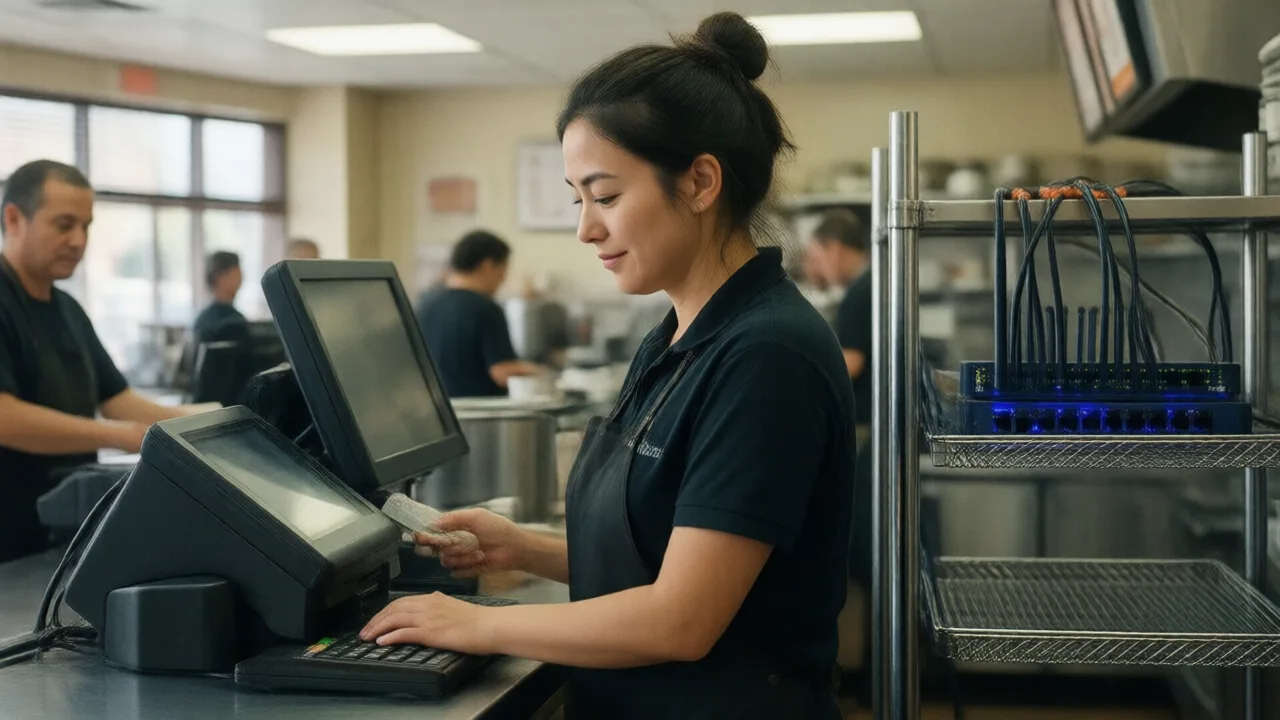
6:40 p.m. on a Saturday. Forty covers seated, a line to the door, three delivery drivers waiting. Then the terminal spins. The card reader shows a connection error. The kitchen printer goes quiet. Somebody in the back says the words every operator dreads: "Is the internet down?"
What happens in the next ninety seconds determines whether tonight is a rough hour or a $4,000 loss with a lobby full of people who won't come back.
And here's the uncomfortable part: most operators genuinely do not know what their POS does in that moment. The salesperson said "offline mode" during the demo. Nobody tested it. The term means at least four different things across vendors, ranging from "everything keeps working" to "you can look at the menu but not sell anything."
The gap matters more every year. Restaurants now route ordering, payments, kitchen display, delivery aggregation, loyalty and reporting through a single connected system. That consolidation is the reason modern operations run so much leaner — and it's also why a single dead router can stop the whole building. A restaurant that once would have kept ringing on a cash drawer and a ticket rail now has one point of failure with a blinking amber light on a shelf in the back office.
So let's separate the marketing term from the mechanism.
What Actually Happens the Moment the Connection Drops
An outage isn't one event — it's several systems noticing independently, in a specific order. Understanding that order tells you what to fix first.
- 0 to 10 seconds: the terminal's heartbeat to the cloud fails. Good systems flip to a local cache silently; you may see nothing more than a small status indicator change color.
- 10 to 30 seconds: the card reader loses its authorization path. This is where the two designs diverge sharply — one queues transactions, the other refuses them.
- 30 to 60 seconds: anything hosted remotely stops. Cloud kitchen displays, remote menu edits, online ordering, delivery injection.
- Minutes in: if kitchen printers or screens route through a local network switch, they keep working. If they route through the vendor's cloud, they don't.
Notice what's on that list. Whether your kitchen keeps receiving tickets during an outage has almost nothing to do with your internet provider and everything to do with whether your POS talks to the printer across your own network or across the public internet. That's an architecture question you can answer today.
Three Levels of "Offline Mode"
When vendors say a system works offline, they mean one of these three things. Ask which one, specifically.
| Level | What keeps working | What breaks |
|---|---|---|
| Level 1: Read-only cache | Menu display, existing open tickets, cash sales | Card payments, new tickets, kitchen routing |
| Level 2: Local queue | All ordering, cash, kitchen tickets, tickets stored on device | Card payments (or capped), reporting, online orders |
| Level 3: Local server / hybrid | Everything on-premise: ordering, kitchen, cards via store-and-forward, multi-terminal sync | Only genuinely remote functions — online ordering, delivery injection, cloud reporting |
Level 3 is what "hybrid" means when a vendor uses the term properly: a cloud platform with a local brain that can run the building on its own. Our breakdown of cloud versus hybrid POS systems covers the architectural differences in depth, and it's the single most useful comparison to make before you sign anything.
The Card Payment Problem, Honestly Explained
This is where most operators get burned, so let's be precise.
Card authorization requires reaching the processor. No internet, no authorization — full stop. What good systems offer instead is store-and-forward: the terminal encrypts and stores the card data locally, gives the guest a receipt, and submits the transaction the moment connectivity returns.
The catch? You're accepting the card without knowing if it will approve. If it declines two hours later, the guest is already home. Processors manage that exposure by capping store-and-forward transactions, commonly somewhere between $50 and $150 per ticket, and by limiting how long queued transactions remain valid — often 24 to 72 hours.
What that means in practice:
- A quick-service restaurant with a $14 average ticket can run store-and-forward through an entire outage with negligible risk. Historical decline rates on in-person cards sit in the low single digits, so on 200 queued tickets you might eat two or three.
- A steakhouse with a $190 average ticket cannot. Your cap will reject most checks, and the exposure on the ones that go through is real money.
Know your cap before you need it. It's in your merchant agreement, not your POS documentation, and the two frequently disagree.
Example scenario: a 140-seat brewpub losing a Saturday to a cut fiber line
Illustrative scenario — a composite example built to show how the numbers work. It does not describe a real business or customer.
Consider a 140-seat brewpub doing about $2.4M a year, with roughly 60 percent of revenue on Friday and Saturday nights. Suppose a contractor cuts the fiber line serving its block at 6:15 p.m. on a Saturday, and service is restored at 9:40 p.m. — three and a half hours across the entire dinner peak.
The POS runs Level 2: local ticket queue, no store-and-forward. Cash works. Cards do not. The manager pulls out a manual imprinter for exactly four transactions before giving up, and the restaurant ends up comping 11 tables that have already eaten. Between refused parties who leave the line, comps, and food waste from prepped covers that never sell, the night's loss comes to roughly $6,100 against a normal Saturday of about $9,800.
The fix costs $41 a month. The brewpub adds a cellular failover router with an automatic 15-second cutover, and moves to a POS build with store-and-forward enabled at a $120 cap. Two later outages — one 20 minutes, one just under two hours — produce zero lost sales. The lesson in this example: three years of saving $500 a year by not having a backup line, given back in one Saturday.
Your Outage Playbook
Print this and tape it inside the office door. During an outage nobody reads a manual, but everybody reads a checklist.
- Identify where the break is (30 seconds). Can terminals still see each other? Do kitchen printers respond? If internal devices talk to each other but nothing reaches the outside, it's a WAN problem and your failover should handle it. If nothing talks to anything, it's your switch or router.
- Announce it before guests discover it. "We're on backup systems — card payments may take a moment" costs you nothing and prevents the ugly surprise at the table. Silence is what turns an outage into a bad review.
- Confirm your ticket flow. If kitchen screens are dead, switch to printed tickets or a manual expo call immediately. Never let orders accumulate in a terminal nobody can see.
- Set a payment rule and hold it. Decide in the first two minutes: store-and-forward up to your cap, cash above it, or an ATM referral. Changing the rule mid-service is what creates disputes.
- Log everything by hand. Comps, voids, cash sales, and any ticket that closed abnormally. Reconciliation the next morning is dramatically easier with a legible list.
- Reconcile before you reopen. When service returns, confirm every queued transaction actually settled. Don't assume the sync worked — check the batch total against your ticket count.
Two of those steps are only possible if your kitchen routing is local. If you're planning a kitchen display rollout, our kitchen display system guide covers which architectures survive an outage and which go dark with the router.
Sales That Don't Stop When the Line Does
KwickOS runs POS, kiosks and online ordering on one connected platform with local resilience built in — so a dead router doesn't become a dead Saturday.
Start Your Free Trial →Building Real Redundancy for Under $80 a Month
Restaurant resilience is unglamorous and cheap. Here's the whole stack, with realistic 2026 pricing.
- Cellular failover router — $20 to $50/month. Automatic cutover in 10 to 60 seconds. This is the single highest-return technology purchase most independents can make, and it's the one they skip.
- UPS on router, switch and one terminal — $120 to $250 one time. A brownout that reboots your network mid-rush is more common than a full ISP failure. Thirty minutes of battery covers almost all of them.
- Wired backbone for terminals and printers — labor only. Ethernet to fixed stations means a Wi-Fi problem can't take down the register. Reserve wireless for handhelds.
- Store-and-forward enabled and capped. Free. Call your processor, ask for it in writing, and confirm the ticket cap and expiry window.
- A quarterly outage drill — 20 minutes of one manager's time. The cheapest line item and the one that finds the actual problem.
For deeper context on the payment side of an outage — and how a hybrid architecture keeps taking cards while the connection is down — this detailed look at running a POS through an internet outage is worth the read. KwickPOS also documents its own approach on its offline-capable POS page, which is a useful benchmark for what to demand from any vendor.
The Twenty-Minute Test That Tells You Everything
Here's the part nobody does, and it's the whole article in one paragraph.
Pick a slow Tuesday at 2 p.m. Unplug the WAN cable from your router — not the power, just the cable to the outside world. Then run five transactions: a cash sale, a card sale, a split check, a void, and an order that must print to the kitchen. Write down exactly what fails.
Plug it back in. Wait five minutes. Now verify: did every ticket sync? Did the card settle? Do your reports show the right totals? Does the item count match what you actually rang?
That test takes twenty minutes and produces a fact you cannot get any other way. Most operators who run it discover at least one surprise — usually that kitchen printing dies, or that the card cap is far lower than they assumed, or that reports double-count the queued tickets after sync.
Better to find it on a Tuesday. Add the drill to your quarterly maintenance rotation alongside the items in our POS system maintenance checklist, and it stops being a crisis and becomes a routine.
Because outages aren't a maybe. Fiber cuts, ISP failures, power blips, and equipment aging are all a matter of when. The only real question is whether your restaurant treats them as a three-hour disaster or a mildly annoying twenty minutes where the reports catch up later.