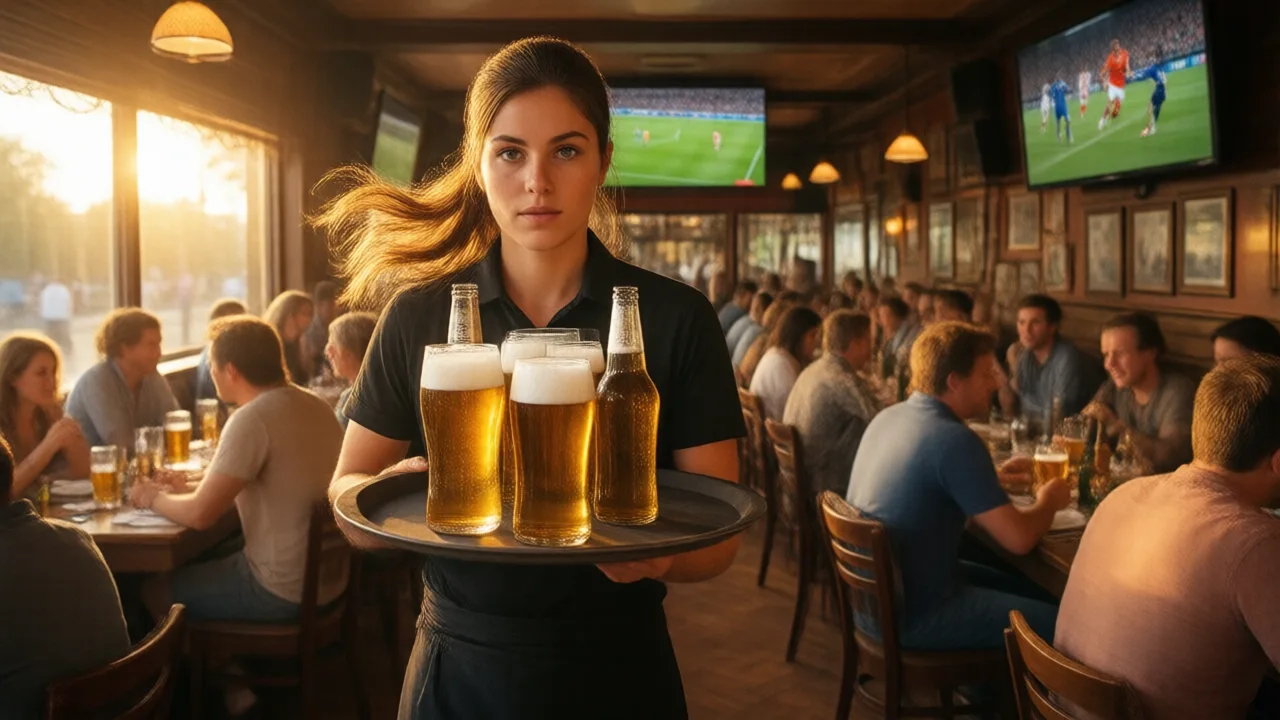
Match-Day POS Survival: Lessons from World Cup 2026
The 2026 World Cup ended on July 19. For restaurants, the useful lesson is no longer how to prepare for the next match; it is how to turn a month of unusual demand into a repeatable event-surge operating plan.
What the tournament actually tested
World Cup traffic compressed demand into unusual windows. Some operators saw early lunch become a watch-party rush. Others saw late matches stretch staffing past the normal dinner pattern. In stadium and fan-zone markets, phone calls, walk-in questions, pickup orders, bar tabs, and kitchen timing all changed at the same time.
A POS stack that only works during normal demand does not teach much. Event pressure exposes the weak links: the phone nobody can answer, the online promise time that ignores kitchen backlog, the printer that becomes the only routing system, the manager report that cannot separate regular sales from event traffic, and the payment fallback nobody practiced.
The failure points worth documenting
- Phone overflow: operators should compare call logs to POS orders and missed-call patterns. If calls spiked before kickoff or halftime, phone automation or an overflow script deserves testing.
- Order queue control: counter, kiosk, phone, and online orders need one kitchen priority model. A rush becomes chaotic when every channel claims priority.
- Pickup timing: fixed promise times break during event surges. Restaurants need the ability to slow pickup windows or pause channels before the kitchen is buried.
- Offline behavior: heavy crowds strain Wi-Fi and cellular networks. Staff should know what order entry, cards, receipts, kitchen routing, and closeout look like when connectivity is degraded.
- Manager reporting: event-day reports should separate normal sales, event specials, delivery, phone, kiosk, and refunds so the owner knows which changes worked.
A useful post-event review format
Run the review while staff still remember the service pattern. Pull POS sales by hour, item mix, voids, comps, refunds, ticket times, payment exceptions, online order timestamps, missed calls, and labor punches. Put the data beside notes from managers and kitchen leads.
| Review area | Question to answer | Next action |
|---|---|---|
| Calls | Were callers missed, put on hold, or converted into orders? | Test AI phone overflow or a simpler phone script |
| Kitchen | Which station backed up first? | Change routing, prep, menu, or promise times |
| Ordering channels | Which channel produced the most exceptions? | Fix menu sync, availability, or staff ownership |
| Payments | Did batches, tips, refunds, or chargebacks reconcile cleanly? | Review payment workflow before the next event |
| Labor | Which roles were overstaffed or undercovered? | Adjust schedule templates for future event days |
How to separate traffic from profit
Event days can make revenue look healthy while hiding expensive problems. A sports-bar rush may increase card volume but also increase comps, overtime, delivery refunds, and remake cost. A direct online campaign may look strong until staff explain that half the orders needed phone corrections. A marketplace promotion may show more tickets but produce weak contribution after commission and packaging.
The postmortem should therefore compare four numbers together: gross sales, controllable exceptions, labor deployment, and channel margin. If one channel produced most of the refund calls, fix that channel before advertising it again. If one menu item slowed the kitchen, make it an event-only item with clearer prep or remove it from the event menu.
What to keep before the next surge
The best event plan is boring: a short menu for volume, documented staff roles, a known phone plan, capacity-aware pickup times, one kitchen routing model, backup network equipment, and an owner report that tells the truth the next morning.
Do not keep a tool just because it sounded modern during the event. Keep the tools that reduced missed calls, prevented kitchen confusion, improved closeout, or made the next schedule easier to write.
How to turn the review into a runbook
The post-event review should become a short runbook before the next surge. The runbook should name the menu owner, phone owner, online-ordering owner, kitchen owner, payment owner, and manager-closeout owner. It should include the decision rules for pausing channels, shortening the menu, changing pickup promises, switching to backup internet, and escalating payment issues.
The runbook should also define which report gets checked first the next morning. If managers cannot find missed calls, late tickets, refunds, voids, discounts, labor by hour, and channel mix without manual searching, the restaurant has learned that reporting setup is part of event readiness.
Thirty-day follow-up checklist
- Archive the event-day POS, labor, payment, and online order reports outside the vendor dashboard.
- Mark the top five operational failures and assign one owner to each.
- Rewrite the event menu using the items that held quality under pressure.
- Update training notes for phone, counter, kitchen, pickup, and manager closeout roles.
- Schedule one outage drill so staff know the backup payment and printer workflow.
Build the next event playbook
Start with the DarfarPOS uptime plan, then review delivery integration, weekly reporting, and staff training.